
Two Real Options for Creating Listing Flyers
Nearly every listing needs a flyer at some point.
It might be for:
An open house
A showing
An email to buyers
A social media post
Or simply because a seller asks, “Do we have a flyer?”
Most agents fall into one of two approaches:
Create flyers manually
Have flyers created as part of the listing media package
Both work. They just optimize for very different things.
Option 1: Create Listing Flyers Manually (Canva, InDesign, PowerPoint)
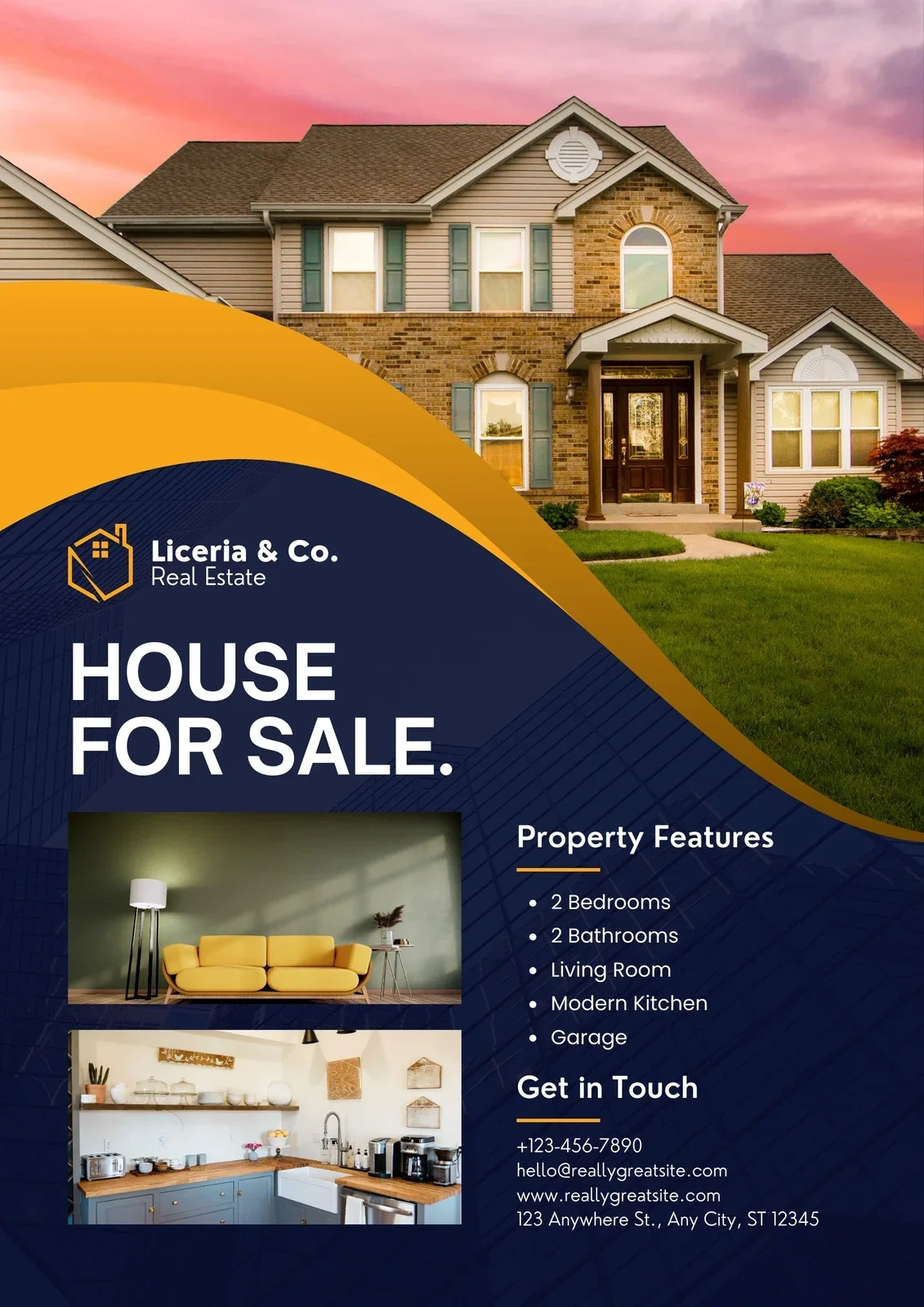
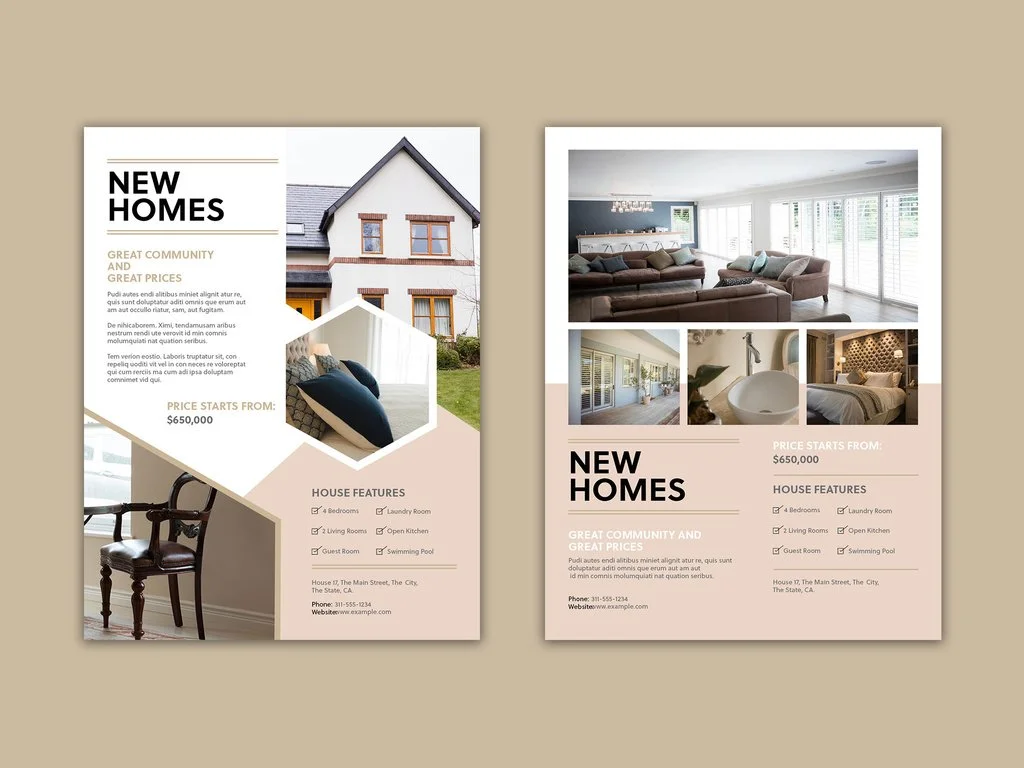
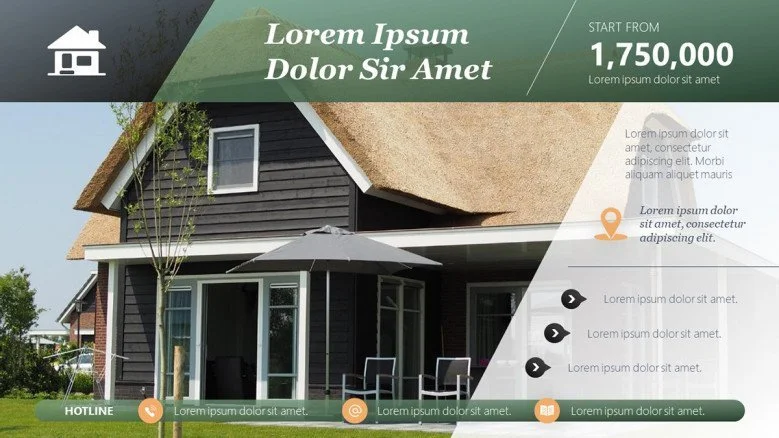
Agents typically use tools like Canva, InDesign, or PowerPoint to design flyers themselves.
What this option looks like in practice
Download listing photos
Choose a flyer template
Add price, description, and agent details
Adjust spacing, crops, and text
Export versions for print, email, and social
Advantages
Full control over layout and content
No dependency on vendors
Flexible for one-off or custom needs
Familiar tools for many agents
Trade-Offs to Consider
Time Investment - Designing a flyer manually requires more time than most agents expect. Even with templates, choosing layouts, adjusting spacing, cropping photos, and exporting multiple versions adds up quickly. That time usually comes at the expense of prospecting, follow-ups, or client communication.
Repetition Without Leverage - Most manually created flyers are rebuilt from scratch for each listing. While the layouts may look similar, the work itself doesn’t compound: the same decisions and adjustments are repeated every time, with little long-term efficiency gained.
Inconsistent Branding - Without strict templates and brand rules, small inconsistencies naturally creep in. Fonts, colors, and photo treatments often vary from listing to listing. Buyers may not consciously notice this, but inconsistency subtly weakens brand recognition and trust.
Option 2: Flyers Created as Part of the Listing Media Package
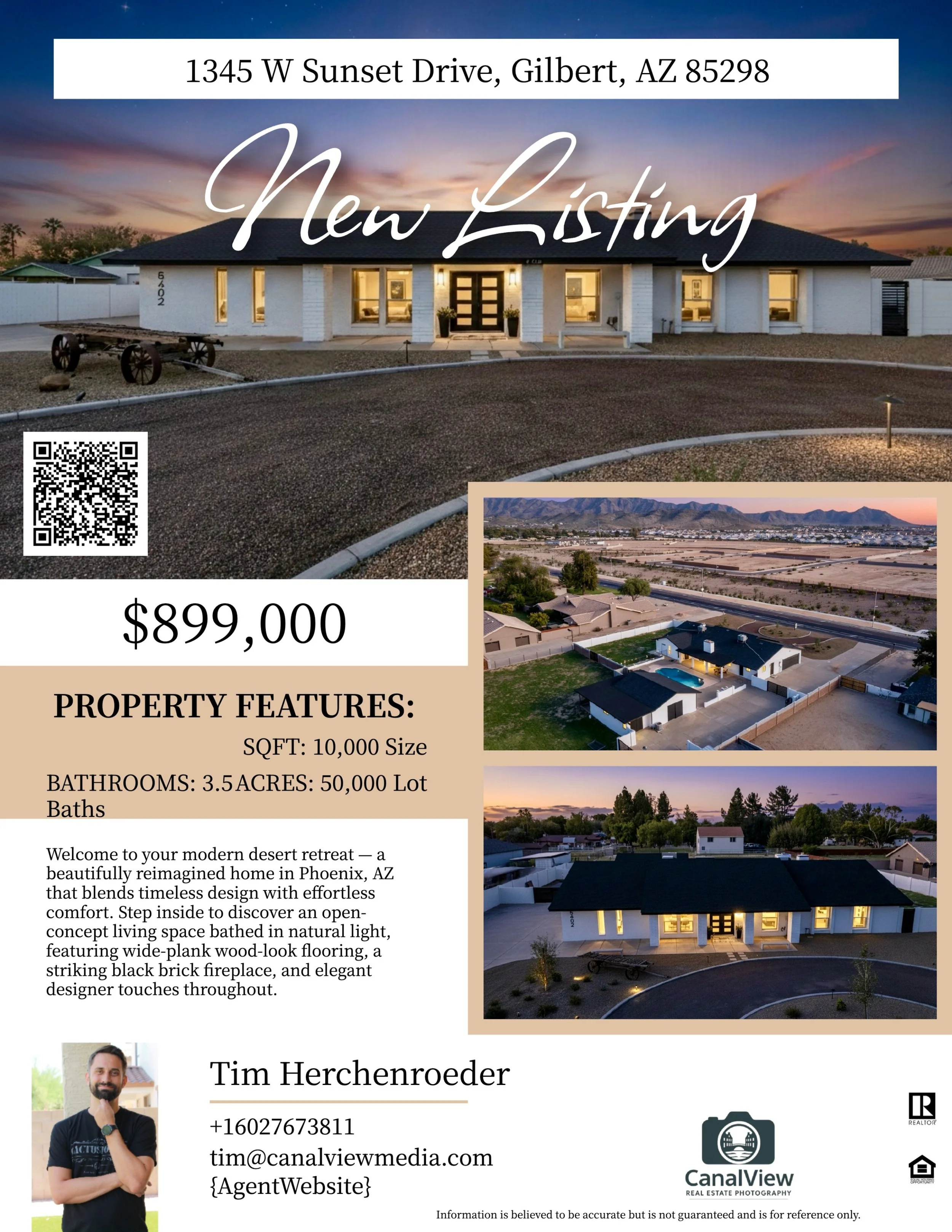
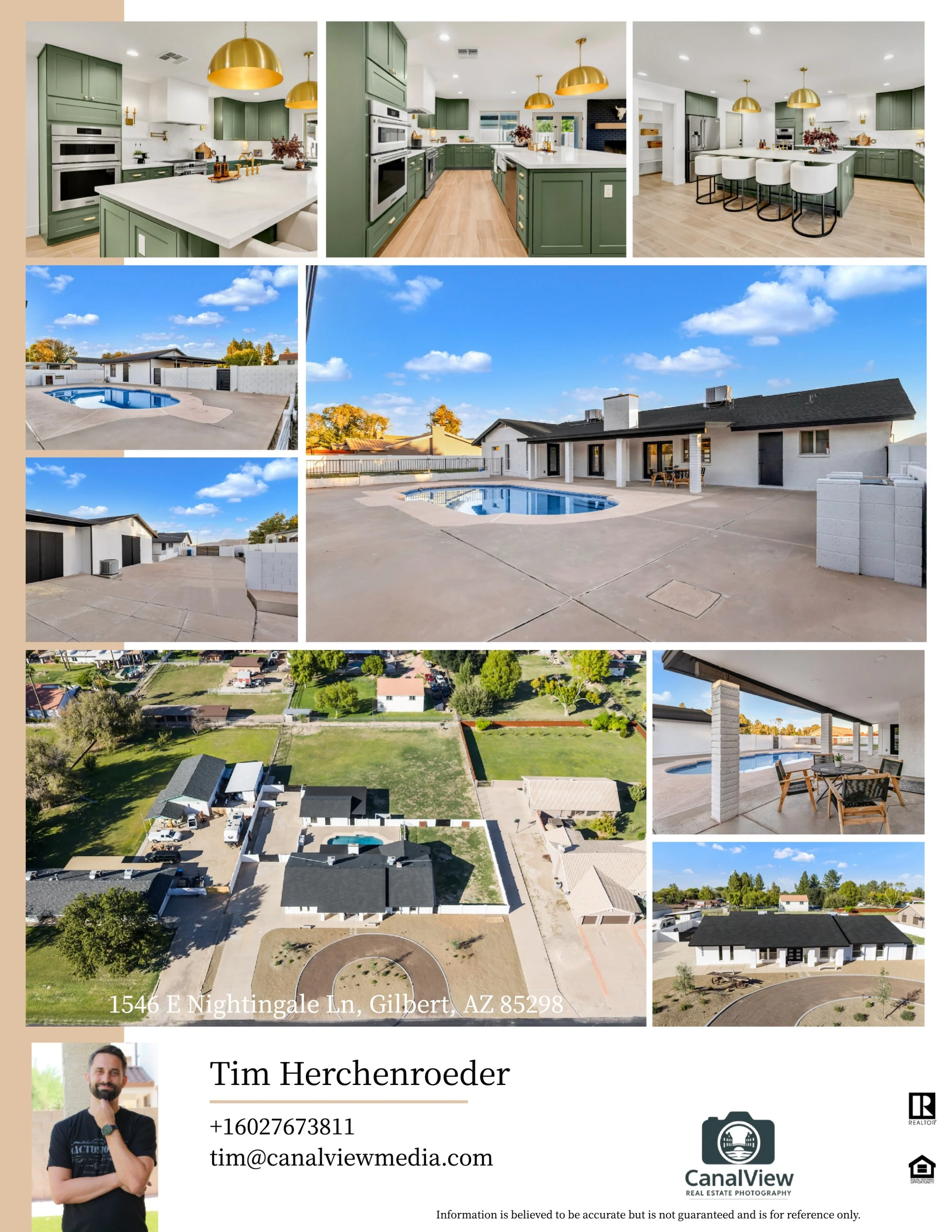
Instead of treating flyers as a separate task, some agents choose to have them created at the same time as their listing photography and video. In this approach, flyers aren’t designed after the fact: they’re a direct output of the listing media itself.
What this option looks like in practice
Listing photography and video are captured
Visual assets are planned with multiple formats in mind
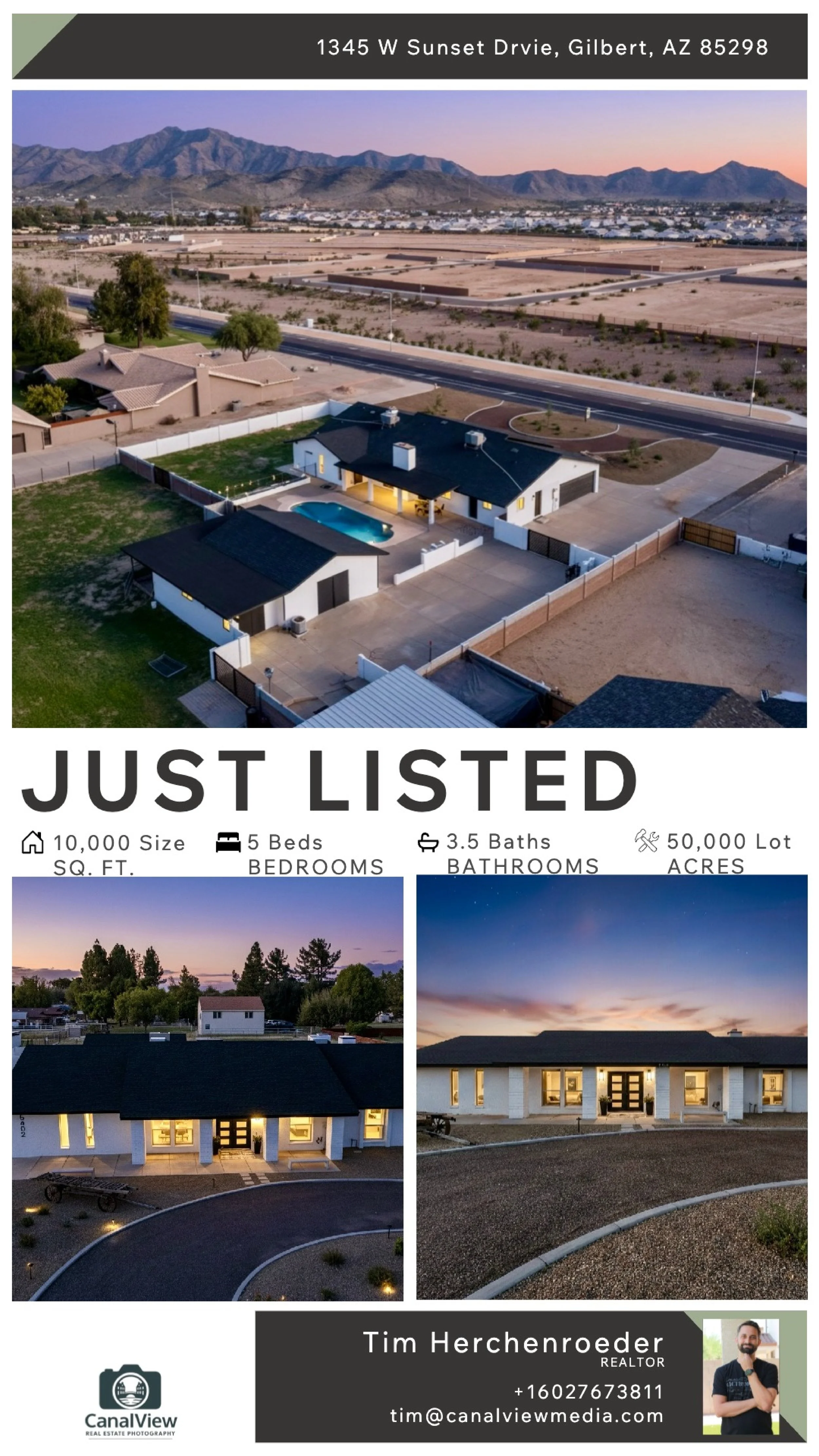
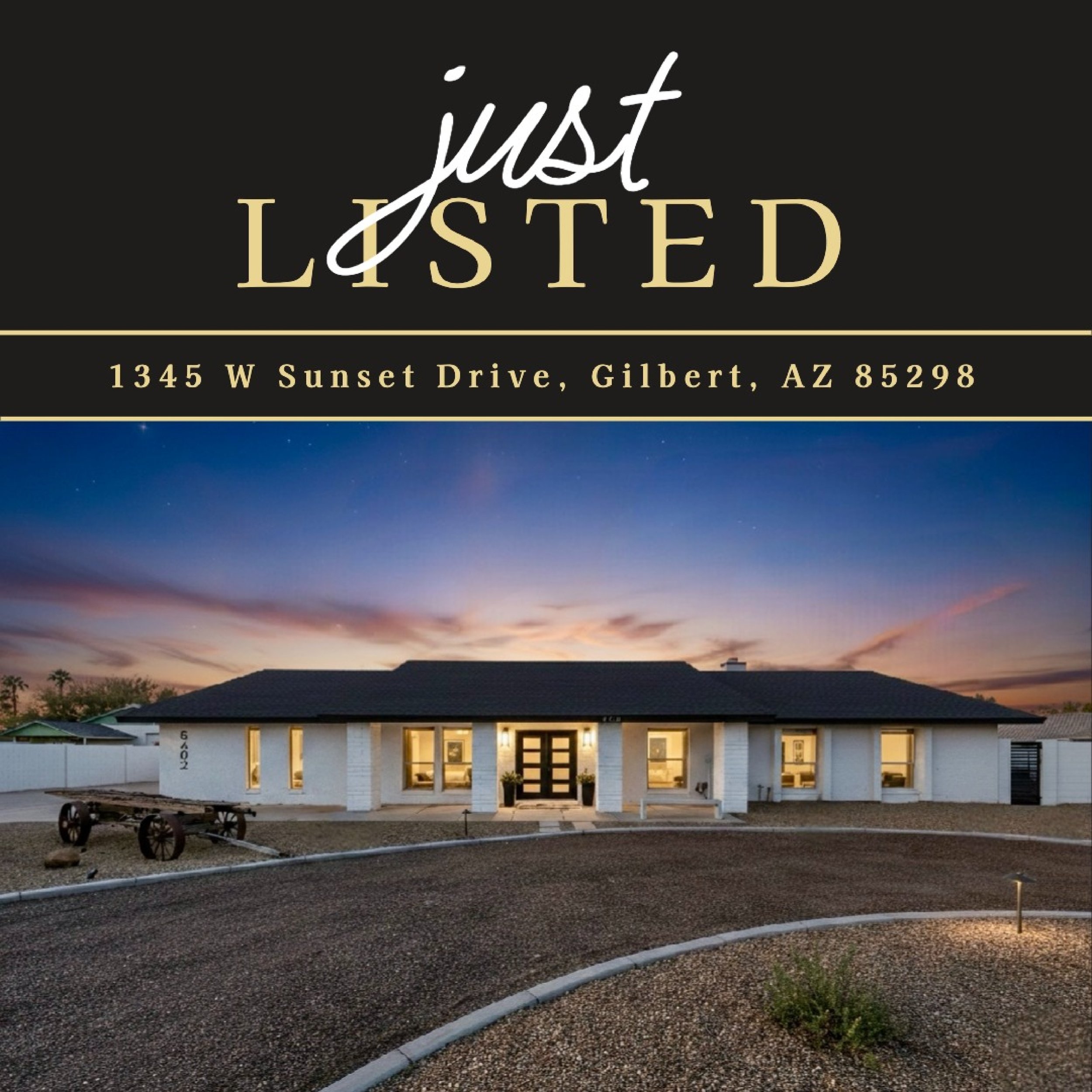
Flyers and marketing pieces are generated from the same source
Everything is delivered together and ready to use
Why some agents prefer this approach
Designed once, reused everywhere
Instead of rebuilding marketing for each channel, one visual system is adapted into:
Listing flyers
Postcards
Social media tiles
Short-form reels
Video reels
This eliminates the need to recreate assets after photos are delivered.
How We Handle This at CanalView Media
At CanalView Media, we include flyer generation and related marketing assets with our packages because they’re most effective when created together with the listing media. The goal isn’t to create more marketing pieces. It’s to remove friction from the listing process.
What’s included
Listing flyers
Postcards
Social media tiles
Short-form reels
Video reels
All built from the same listing visuals.
What we need from the agent
To generate everything, we only need:
Broker logo
Agent headshots
Agent contact info
Listing description
Listing price
Listing dimensions
For open houses:
Open house date and time
That’s it.
No design work required.
No rebuilding assets.
No extra steps after photos are delivered.